Community Resource

The recipes that made colour marking make sense

The 15 free settings inside MOPA Color Studio came from one place — Valentin's LaserSecrets library. If you've ever gotten a real colour out of stainless steel, there's a good chance his work is the reason why.

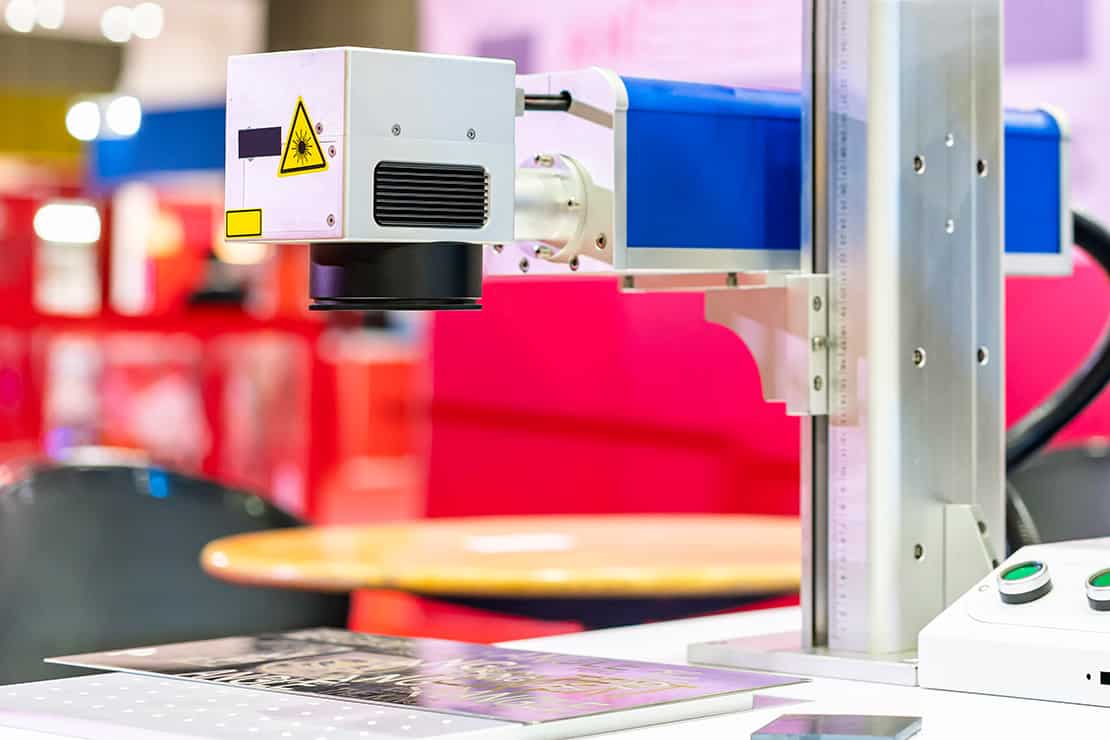
A MOPA fibre laser galvo head positioned over an engraving surface

In Valentin's own words —

With over 11 years of experience running a successful workshop, I'm excited to share the tools and settings that have helped me achieve outstanding results.

— Valentin Radulescu · LaserSecrets · laser-secrets.com

Eleven years of real-world laser work

Valentin Radulescu has been cutting, engraving, and colour-marking with lasers for over a decade — not as a hobbyist, but running a productive workshop where results had to be right first time, every time.

He didn't build his libraries for himself. He built them because the community kept asking the same questions: what settings do I use for brass? For titanium? Why won't my stainless take colour? His answer was to test everything systematically across dozens of materials, six lens sizes, and multiple wattages — then package it in a format LightBurn could load directly.

The free recipes on this site are a small window into that work. The full library is where the depth lives.

11+
Years experience
1,700+
Customers served
250+
Five-star reviews
68
Library products
⭐ Etsy Star Seller
Verified · consistent 5-star service

What's in the full library

The 15 stainless steel recipes here are a sample. Valentin's complete library covers a lot more ground.

MOPA Fiber Laser
Colour-marking recipes for stainless steel, titanium, brass, and more. Multiple wattages and lens sizes covered.
MOPA · JPT · Raycus
Standard Fiber Laser
Full material libraries for Q-switched fiber machines. Up to 37 materials and 20 lens sizes per product.
37 materials · 20 lenses
CO₂ Laser
Wood, acrylic, leather, glass, anodised aluminium — comprehensive LightBurn settings for CO₂ machines.
CO₂ · LightBurn CLB
UV Laser
Precision cold-marking settings for UV machines — ideal for glass, plastics, and delicate surfaces.
UV · cold marking

Every library is a plug-and-play LightBurn .clb file — instant download, tested settings, no guesswork. Valentin backs them up with personal support.

What other makers say

★★★★★

"Nothing but solid materials. I picked this up for brass but it came with every metal material I could dream of with a plethora of options. LaserSecrets delivered."

Verified Etsy buyer

★★★★★

"Just what I was looking for — I just got a 50W fiber laser and was looking for a library to give me good starting settings for the different materials I would use, instead of starting from scratch."

Verified Etsy buyer

★★★★★

"I had questions, having no experience with this add-on and the seller was great. It took a few tries but in the end it turned out to be on my end. Fantastic support."

Verified Etsy buyer