Installation instructions for the LaserSecrets library are included in your purchase package — follow the included video to get the library installed before continuing with this guide.
Open the Material Library and load your LaserSecrets file
Click the Material Library tab at the bottom of LightBurn alongside the Laser tab. Use the Select Library dropdown at the top of the panel to load your LaserSecrets .clb file. Once loaded, expand Stainless Steel Colors → Color to see the full list of colour recipes.
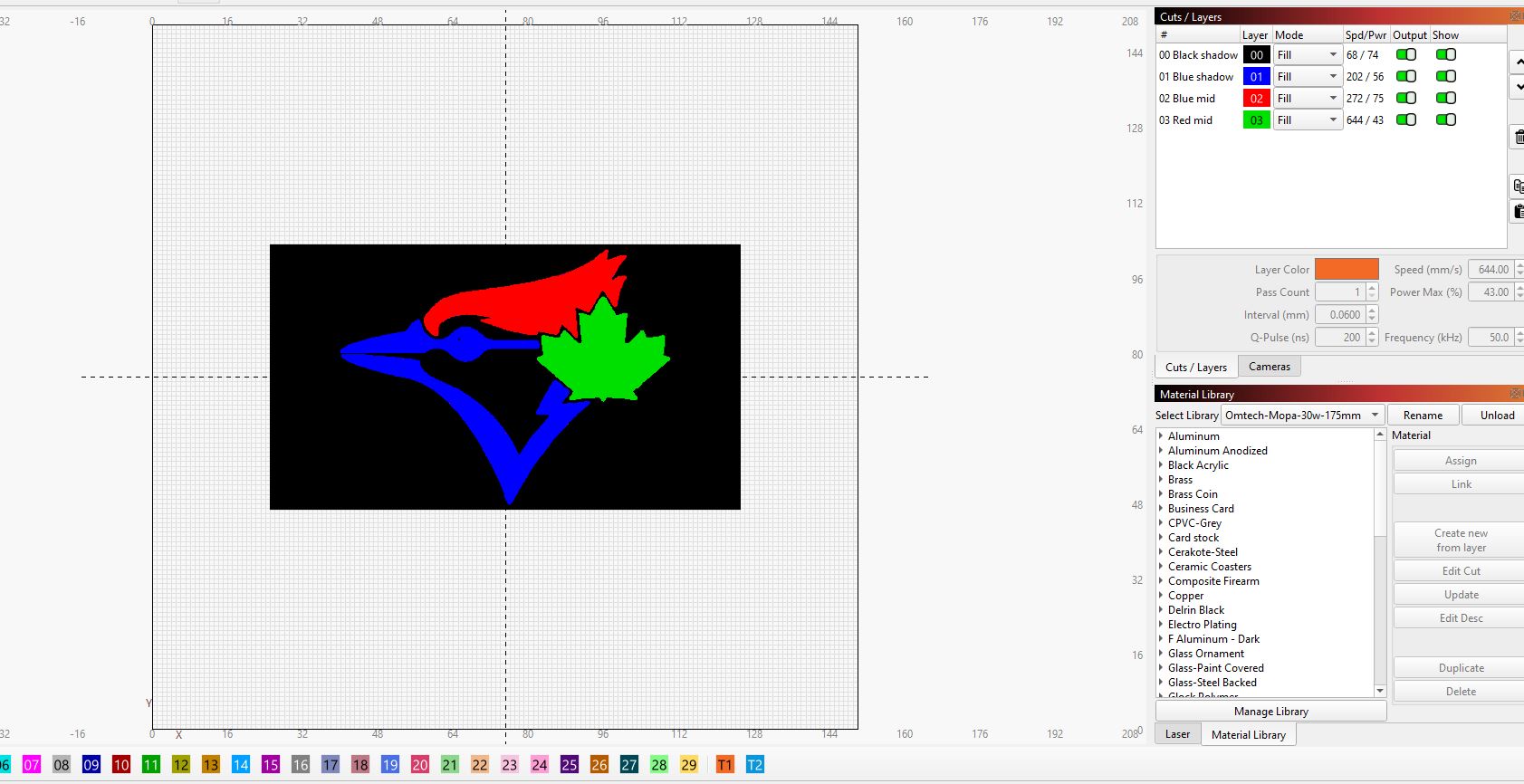
Select your cut layer, then click a colour
Click the layer you want to assign in the Cuts / Layers panel — it must be selected before Assign will work. Then click the colour recipe you want in the library list to highlight it.
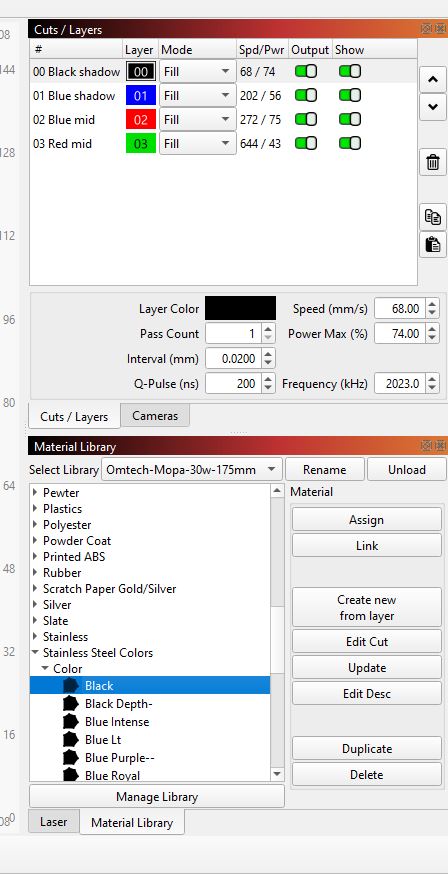
Click Assign
Click the Assign button on the right side of the Material Library panel. The full recipe — speed, power, frequency, Q-pulse width, line interval, and pass count — transfers to your selected cut layer instantly.
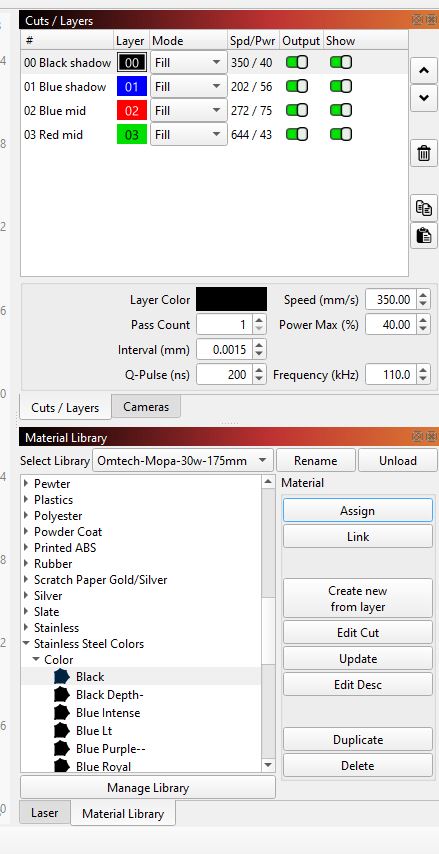
Repeat for each layer. Select the next cut layer in the Cuts / Layers panel, pick its colour recipe in the library, click Assign. Work through each layer until every colour in your design has its settings applied.
Set up your colour layers first
MOPA Color Studio helps you plan and organise your LightBurn layer structure before you start engraving. Free, no account required.
Open MOPA Color Studio →Found this guide useful? MOPA Color Studio is free and always will be. If it saved you some time or a few wasted blanks, you can buy me a coffee on Ko-fi →